Get Hollywood's Most Advanced Color Tools for Still Photos!
The Photo page brings Hollywood's most advanced color tools to still photography for the first time! Whether you’re a professional colorist looking to apply your skills to fashion shoots and weddings, or a photographer who wants to work beyond the limits of traditional photo applications, the Photo page unlocks the tools you need. Start with familiar photo tools including white balance, exposure and primary color adjustments, then switch to the Color page for access to the full DaVinci color grading toolset trusted by Hollywood’s best colorists! You can use DaVinci’s AI toolset as well as Resolve FX and Fusion FX. GPU acceleration lets you export faster than ever before!

DaVinci Color Tools for Still Images
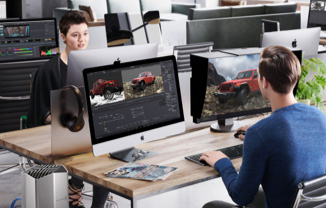
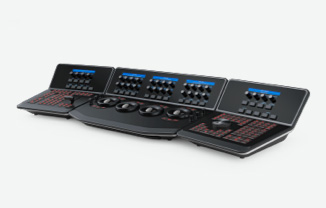
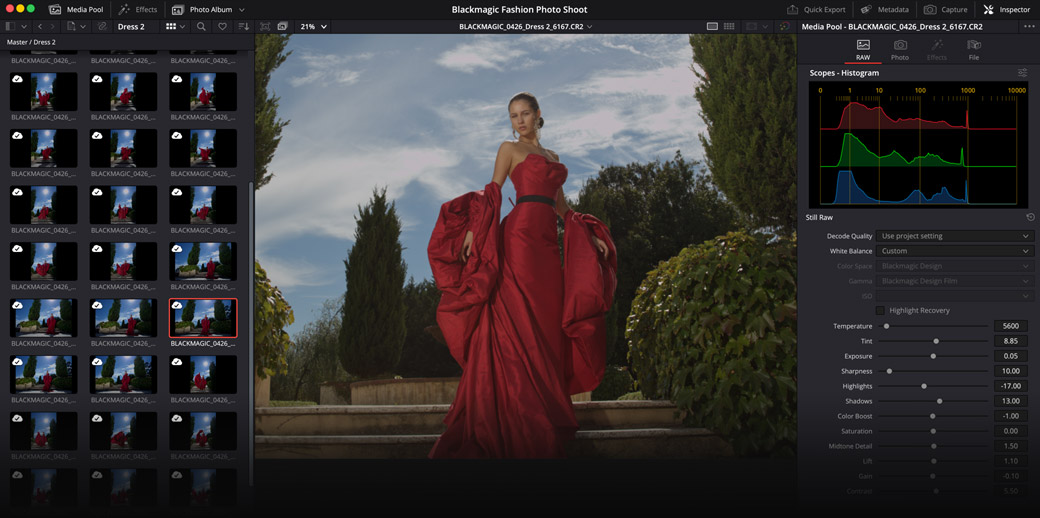
Colorists who have spent years mastering the high-end color tools in DaVinci Resolve can now apply those skills to still images! Controls include primary color correction, curves, qualifiers and Power Windows. You can build complex grades in a node-based workflow that goes far beyond the layer-based approach of conventional photo applications. You can even use professional scopes for photography, including parade, waveform, vectorscope and histogram. There is a wide range of Resolve FX and AI tools to add cinematic effects and isolate subjects, objects or backgrounds with a click. Plus, DaVinci Resolve color panels provide hands-on creative control that's faster than a mouse and keyboard!
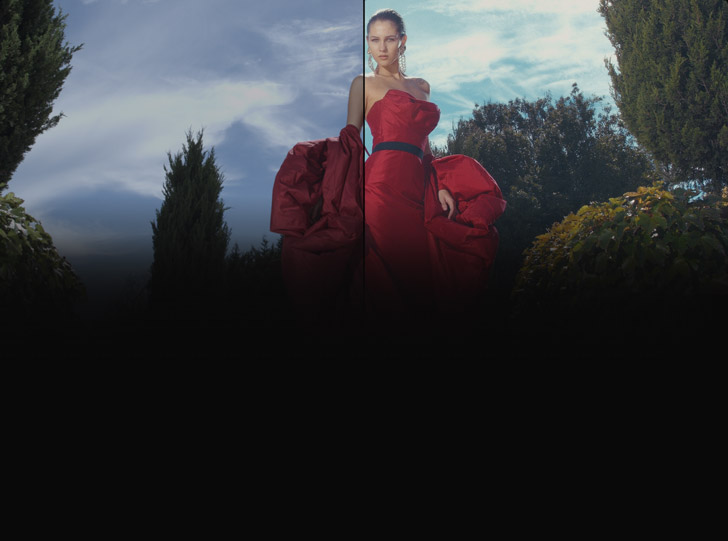
Original camera RAW image
After Primary Color Grading
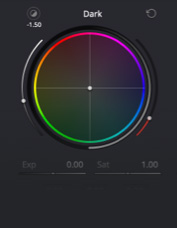
HDR Color Wheels
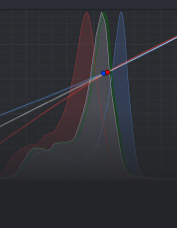
Custom Curves
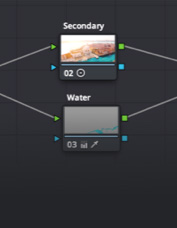
Node Editor
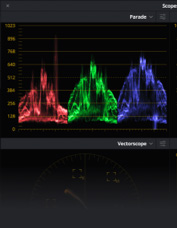
Scopes
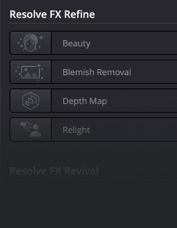
Resolve FX
Familiar Photography Tools and Formats

For photographers, the Photo page offers a familiar set of tools alongside DaVinci’s powerful color grading capabilities. It includes native RAW support for Canon, Fujifilm, Nikon, Sony and even iPhone ProRAW. All image processing takes place at source resolution up to 32K, or over 400 megapixels, so you're never limited to project resolution. Familiar basic adjustments including white balance, exposure, color and saturation give you a comfortable starting point. With non-destructive processing you can reframe, crop and re-interpret your original sensor data at any time. And with GPU acceleration, entire albums can be processed dramatically faster than conventional photo applications!
Original
Exposure
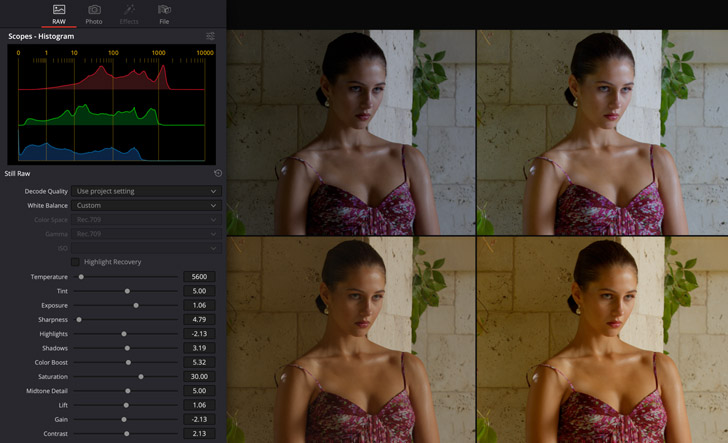
Temperature
Saturation
Non-Destructive Transform and Cropping
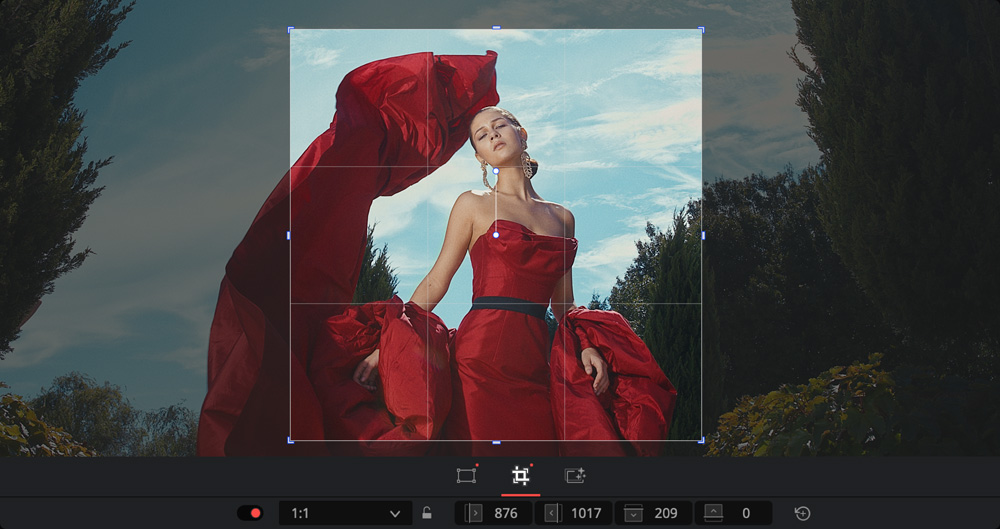
The Photo page Inspector gives you precise control over the transform and cropping parameters of your images. Reframe and crop non-destructively at the original source resolution and aspect ratio, so you’re never restricted to a fixed timeline size! Zoom, position, rotate and flip images with full transform controls and use the cropping parameters to trim the edges of any image with precision. Reframe a shot to improve composition, adjust for a specific ratio for print or social media use, or simply remove unwanted elements from the edges of a frame. All adjustments can be refined or reset at any time without ever affecting the original source file!
Collaborate Anywhere

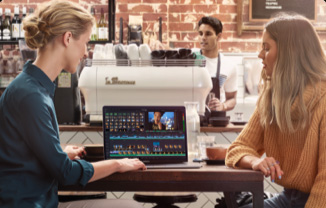
DaVinci Resolve is the world's only post production software that lets everyone work together on the same project at the same time! Built on a powerful cloud based workflow, you can share albums, all associated metadata and tags, as well as grades and effects with colorists, photographers and retouchers anywhere in the world. Blackmagic Cloud syncing keeps every collaborator with the latest version of your image library in real time, and remote reviewers can approve grades offsite without needing to be in the same room. Hollywood colorists can even grade live fashion shoots remotely, all while the photographer is still on set!

Image Management

The Photo page gives you everything you need to manage your entire image library from import to completion. You can import photos directly, from your Apple Photos library or Lightroom, and organize them with tags, ratings, favorites and keywords for fast, flexible management of even the largest libraries. It supports all standard RAW files and image types. AI IntelliSearch lets you instantly search across your entire project to find exactly what you’re looking for, from objects to people to animals! Albums allow you to build and manage collections for any project and with a single click you can switch between your photo library and your color grading workflow!
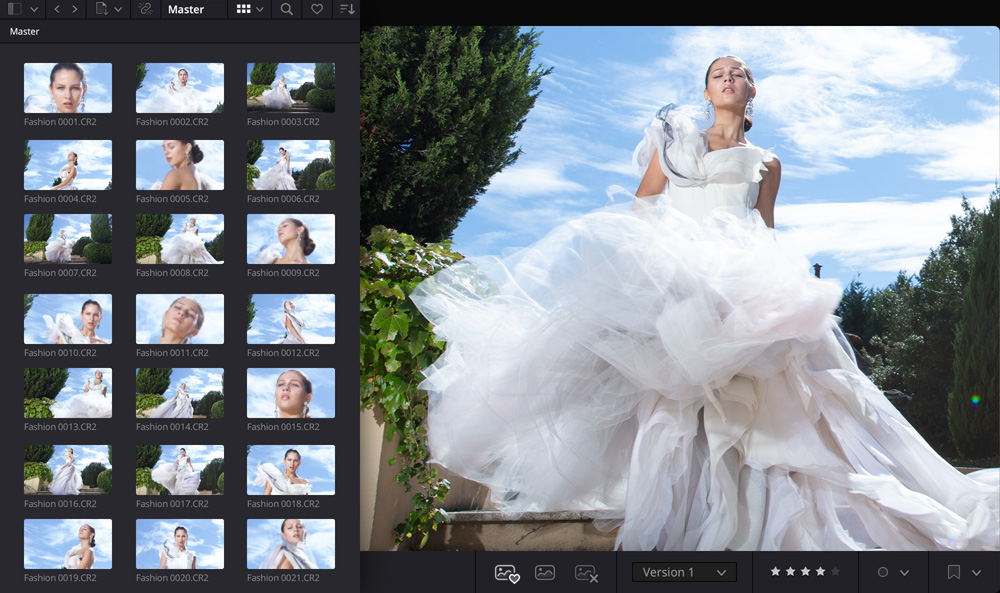
Albums

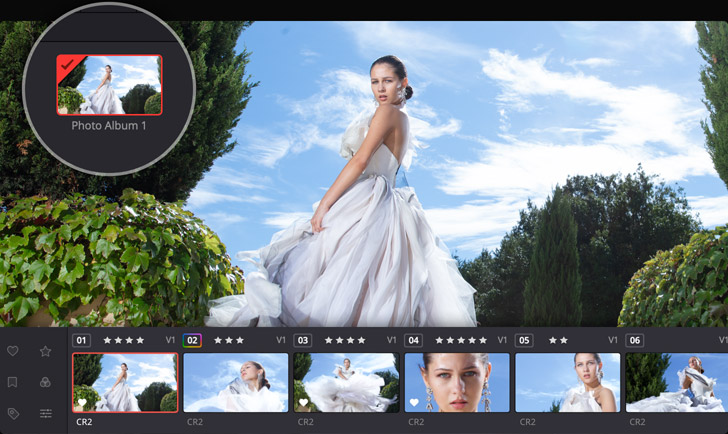
Albums are a powerful way to build and manage photo collections directly in DaVinci Resolve. You can add images manually to each album or organize by date, camera, star rating, EXIF data and more. Powerful filter and sort tools give you total control over how your collection is arranged. The thumbnail view displays each image’s graded version alongside its file name and source clip format so you can see your grades at a glance. Create multiple grade versions of any image, all referencing the original source file, so you can explore different looks without ever duplicating a file. Plus, grades applied to one photo can be instantly copied across others in the album for a fast, consistent look!
Camera Tethering for Live Capture

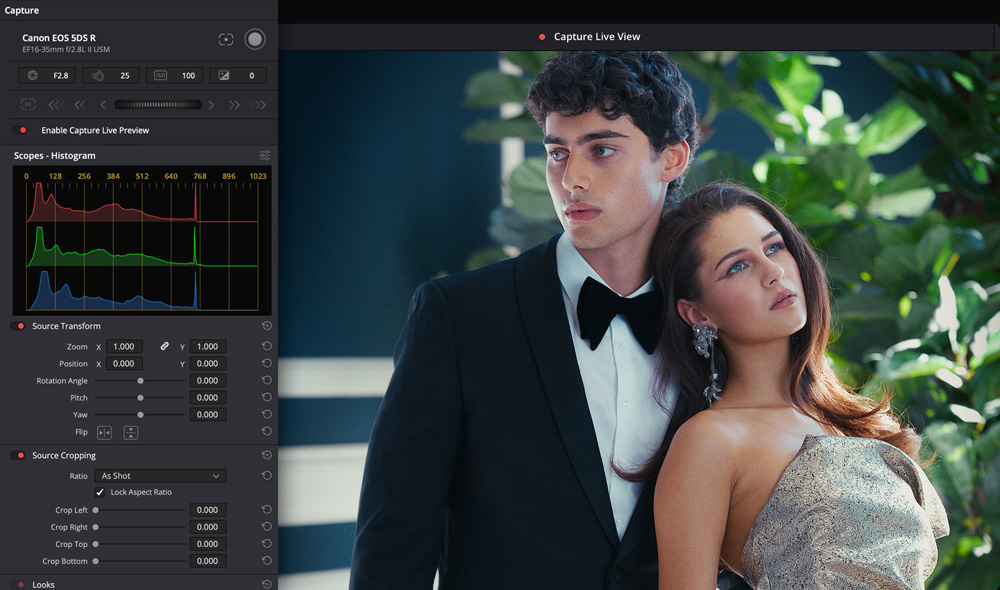
Connect Sony or Canon cameras directly to DaVinci Resolve for tethered shooting with full live view! Adjust camera settings including ISO, exposure and white balance without leaving the page and save image capture presets to establish a consistent look before you shoot. Images can be captured directly into an album, with albums created automatically during capture so your library is perfectly organized from the moment you start shooting. Grade images as they arrive using DaVinci Resolve’s extensive color toolset and use a hardware panel for hands-on creative control in a collaborative shoot. That means you can capture, grade and organize an entire shoot without leaving DaVinci Resolve!

Powerful AI and Resolve FX Tools for Photos
The Photo page gives you access to over 100 GPU and CPU accelerated Resolve FX and specialty AI tools for still image work. They're organized by category in the Open FX library and cover everything from color effects, blurs and glows to image repair, skin refinement and cinematic lighting tools. These are the same tools used by Hollywood colorists and VFX artists on the world's biggest productions, now available for still images. To add an effect, drag it to any node. Whether you're making subtle beauty refinements for a fashion shoot or applying dramatic film looks and atmospheric lighting effects emulating the looks of a Hollywood feature, the Photo page has the tools you need!
Before
After
Magic Mask and Depth Map
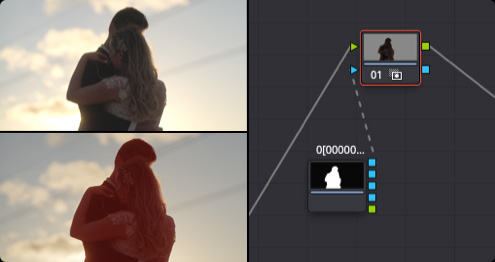
Magic Mask makes precise selections of subjects or backgrounds, while Depth Map generates a 3D map of your scene to separate foreground and background without manual masking. Use together to grade different depths of an image independently for results that have never before been possible for stills!
Original Footage
After Relight
Relight FX and Lighting Effects
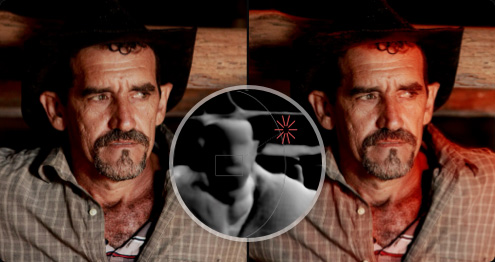
Add a realistic light source to any photo after capture with Relight FX. Relight analyzes the surfaces of faces and objects to reflect light naturally across the image. Combine with Magic Mask to light a subject independently from the background, turning flat portraits into stunning fashion images!
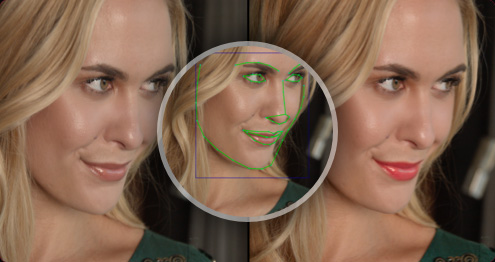
Original Footage
After Refinement
Face Refinement and Beauty Tools
Face refinement automatically masks different parts of a face, saving countless hours of manual work. Sharpen eyes, remove dark circles, smooth skin, and color lips. Ultra Beauty separates skin texture from color for natural, high end results, while AI Blemish Removal handles fast skin repair!
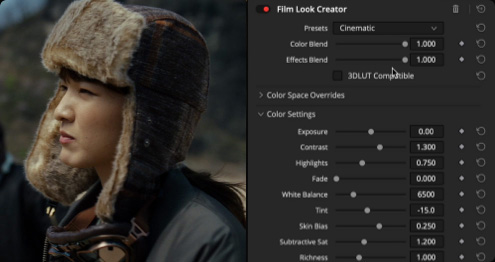
Film Look Creator
The Film Look Creator lets you add cinematic looks that replicate film properties like halation, bloom, grain and vignetting. Adjust exposure in stops and use subtractive saturation, richness and split tone controls to achieve looks usually found on the big screen, now for your still images!
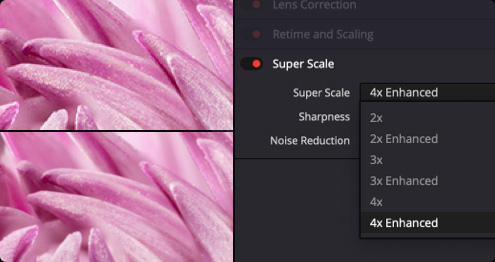
Upscale with Regular NLE
Upscale with DaVinci Resolve
AI SuperScale
AI SuperScale uses the DaVinci AI Neural Engine to upscale low resolution images with exceptional quality. The enhanced mode is specifically designed to remove compression artifacts, making it the perfect tool for rescaling low quality photos or frame grabs up to 4x their original resolution!
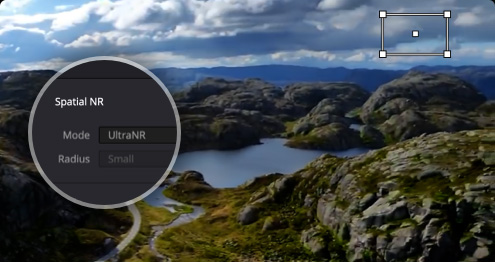
UltraNR Noise Reduction
UltraNR is a DaVinci AI Neural Engine driven denoise mode in the Color page’s spatial noise reduction palette. Use it to dramatically reduce digital noise from an image while maintaining image clarity. Use with spatial noise reduction to smooth out digital grain or scanner noise while keeping fine hair and eye edges sharp.
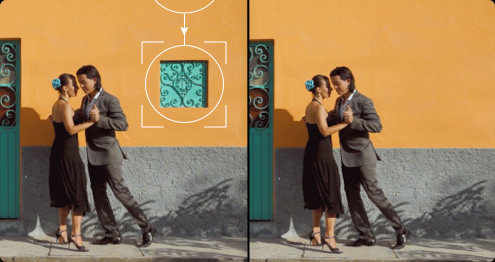
Patch Replacer
Sample an area of a scene to quickly cover up unwanted elements, like objects or even blemishes on a face. The patch replacer has a fantastic auto grading feature that will seamlessly blend the covered area with the surrounding color data. Perfect for removing sensor dust.
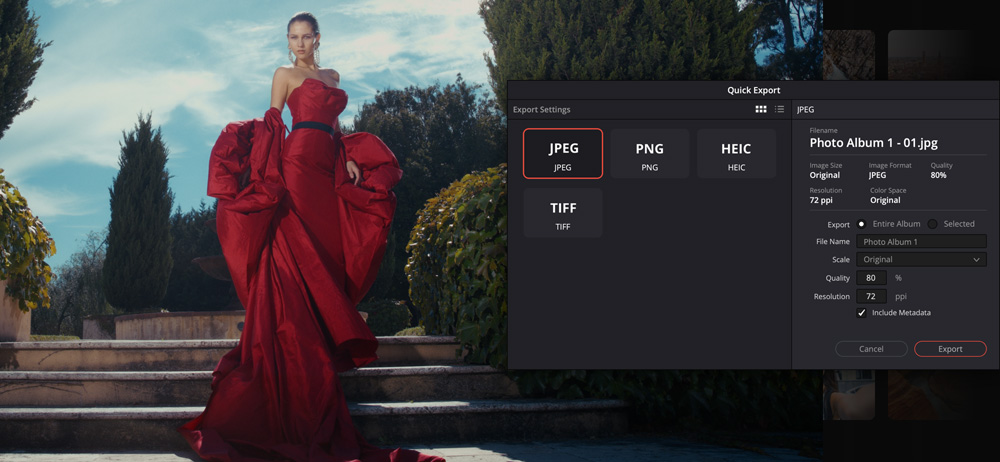
Quick Export

The Quick Export option makes it fast and easy to deliver finished images in a wide range of common formats including JPEG, PNG, HEIF and TIFF. Export either an entire album or just selected photos providing flexibility to meet your specific delivery needs. You can set the resolution, bit depth, quality and compression to ensure your images are optimized for their intended use. Whether you're exporting standalone images for print, sharing on social media platforms or delivering graded files to a client, Quick Export has you covered. All exports preserve your original photo EXIF metadata, so camera settings, location data and other important information always travels with your files.
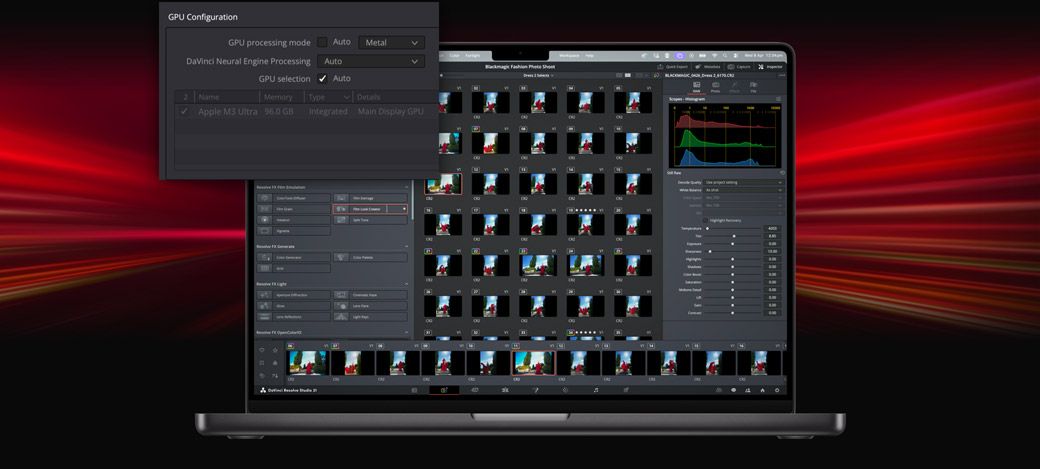
GPU Acceleration
The Photo page uses GPU accelerated processing to deliver fast, accurate results across your entire workflow. Process hundreds of RAW files in seconds with GPU accelerated decoding and apply Resolve FX to your images in real time. GPU acceleration also means batch exports and conversions are dramatically faster than conventional photo applications. On Mac, DaVinci Resolve is optimized for Metal and Apple Silicon, taking full advantage of the latest hardware. On Windows and Linux, you get CUDA support for NVIDIA GPUs, while the Windows version also features full OpenCL support for AMD, Intel and Qualcomm GPUs. All this ensures you get high performance results on any system!
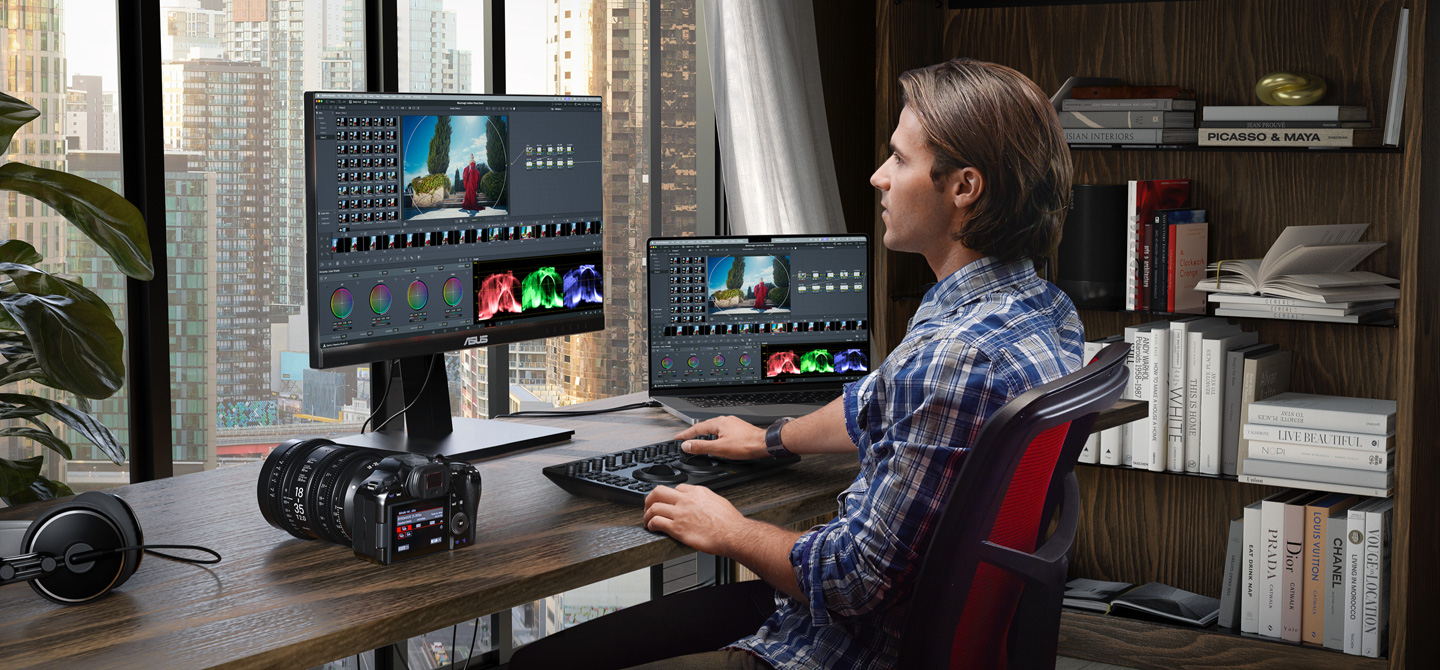
Hardware Panels for Rapid Edits
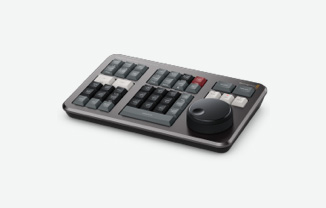
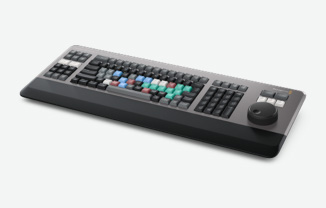
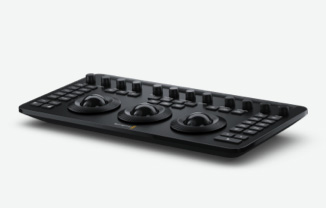
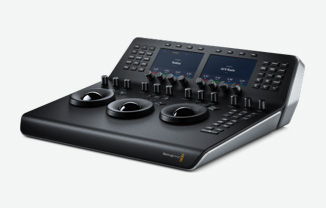
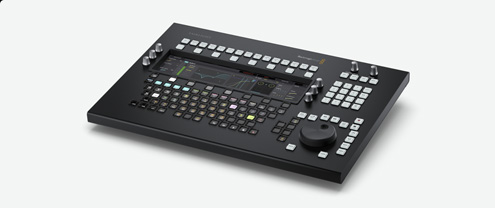
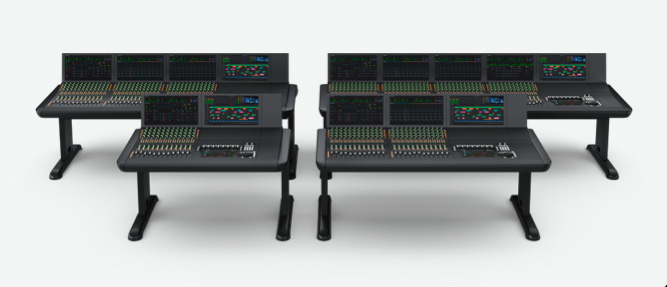
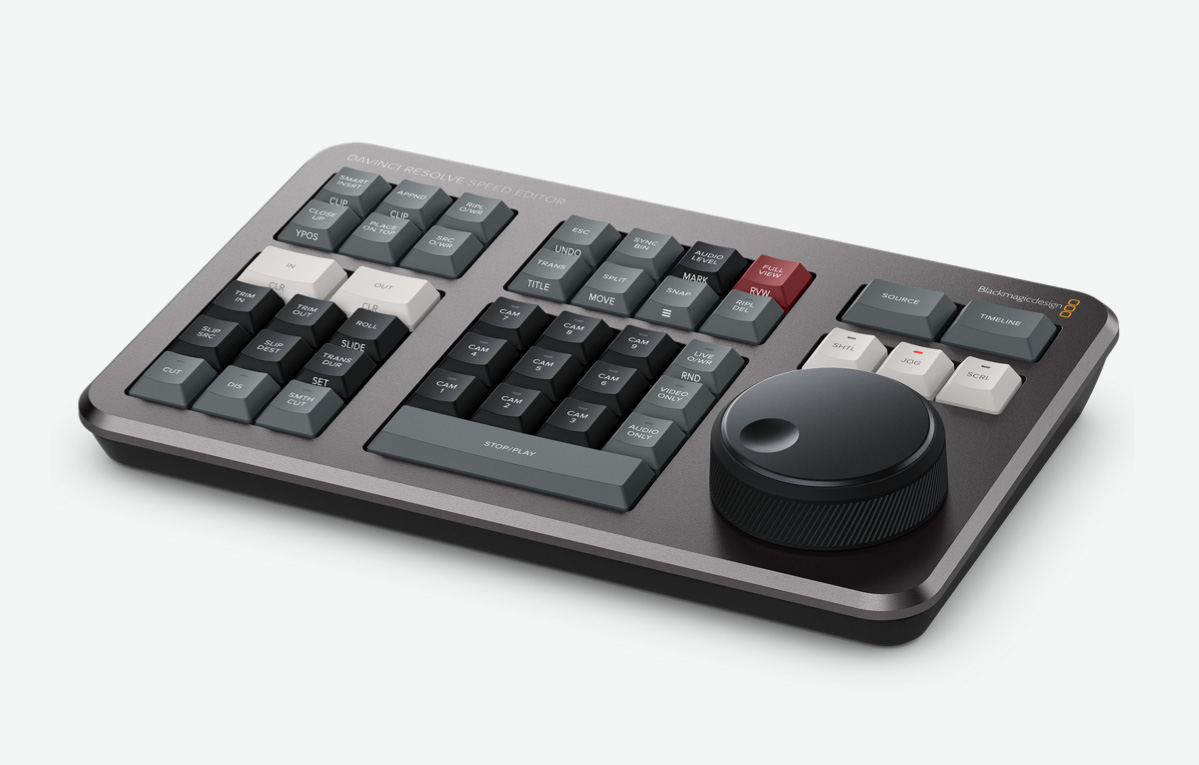
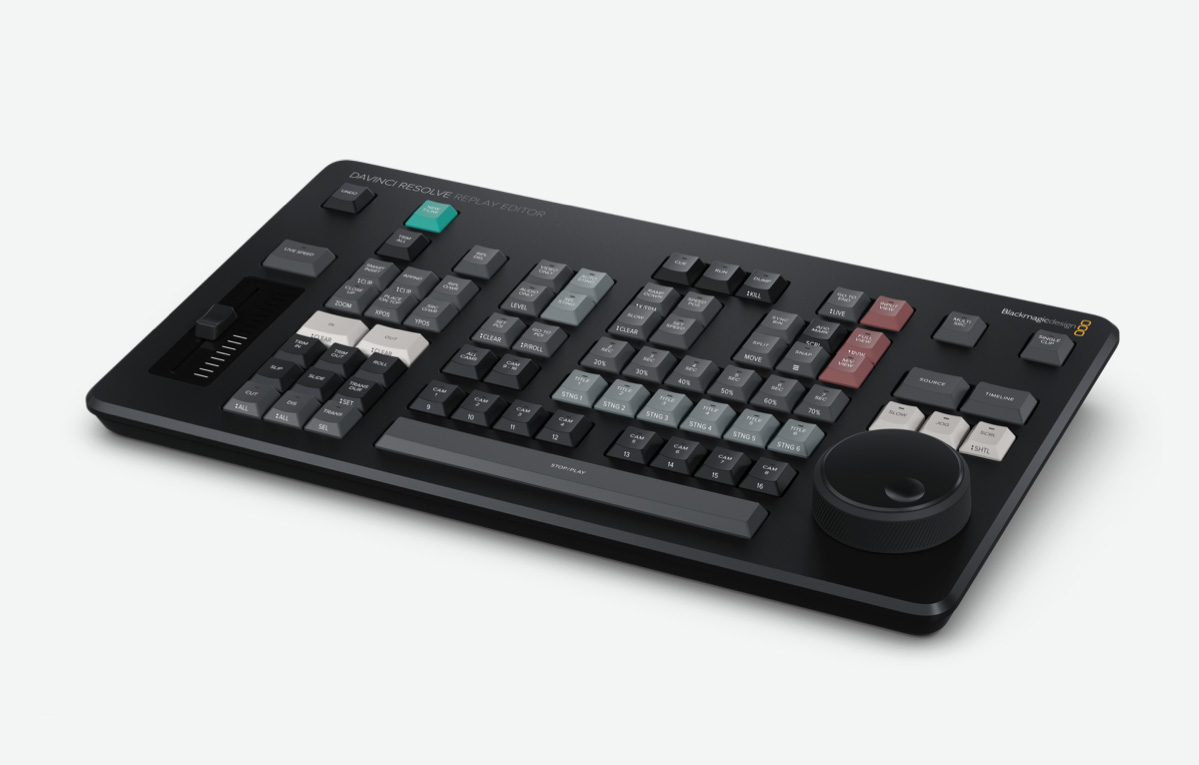
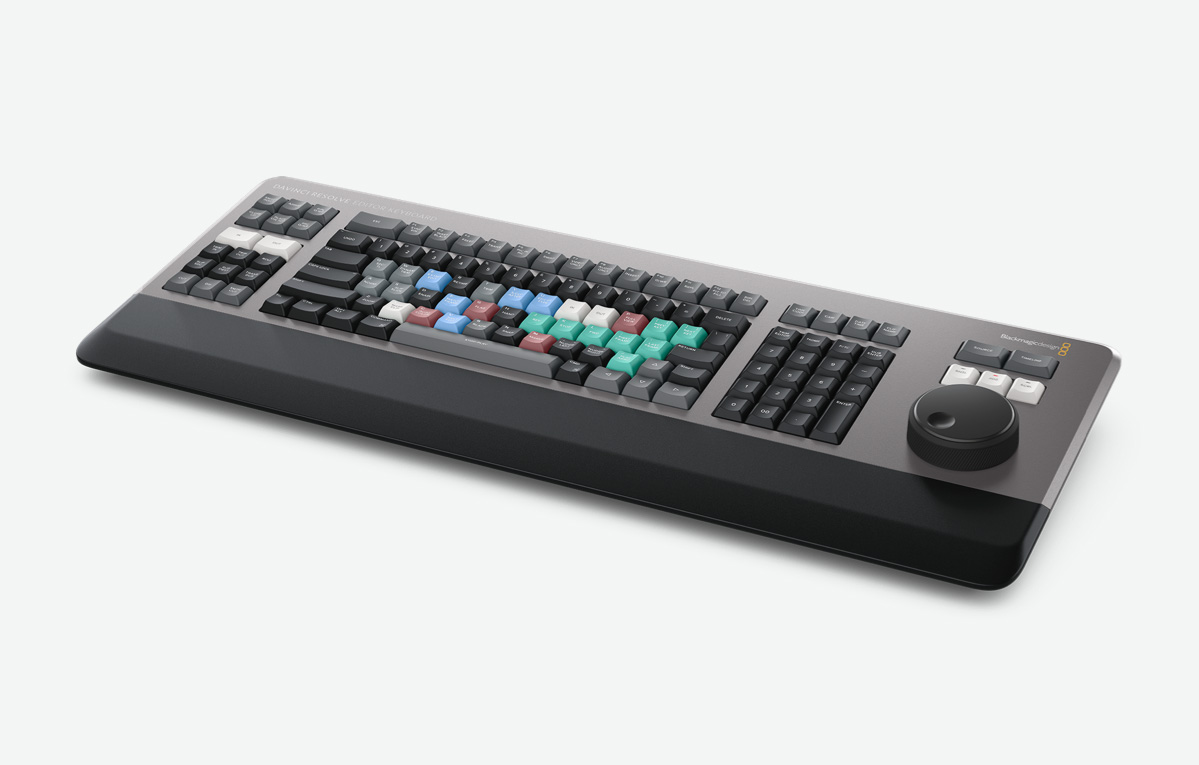
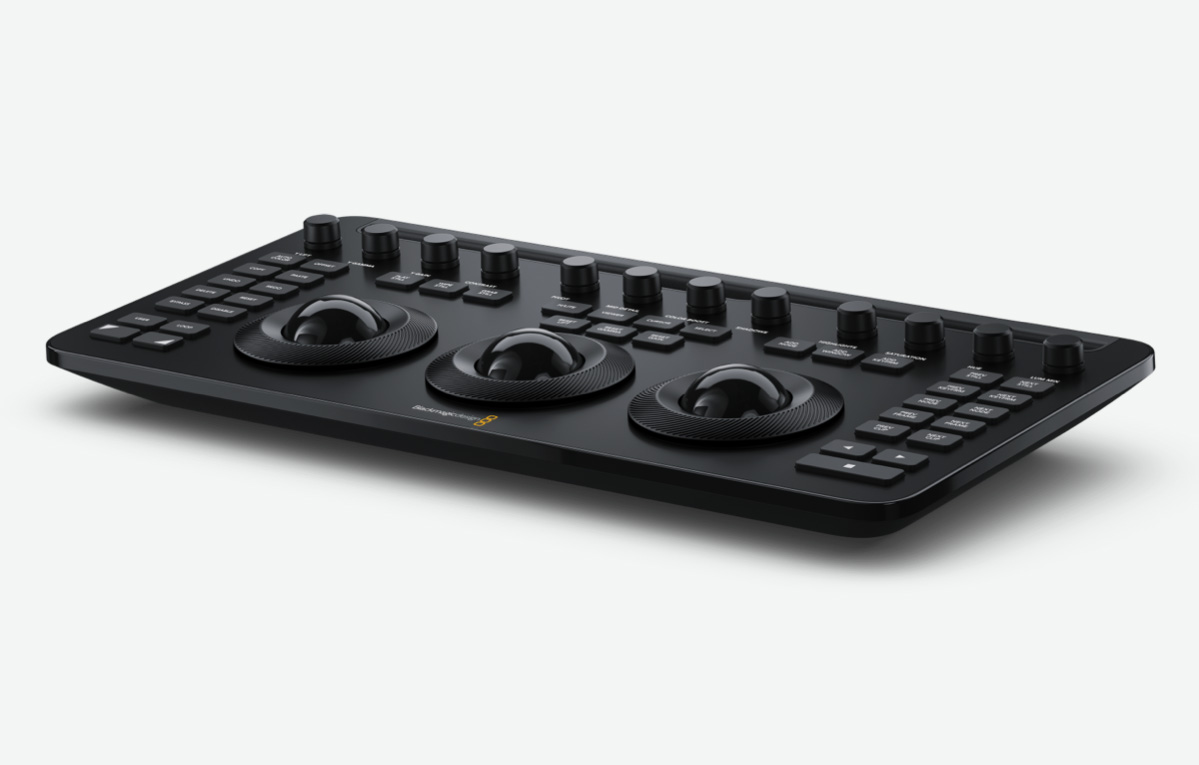
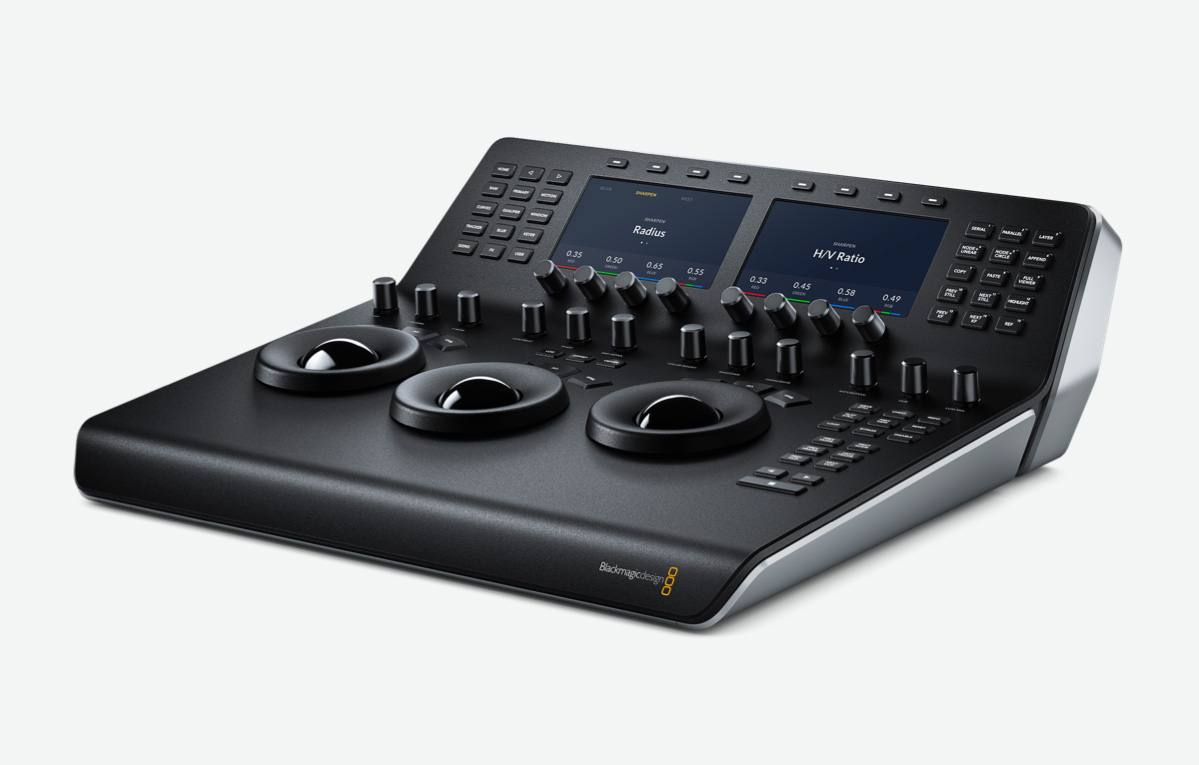
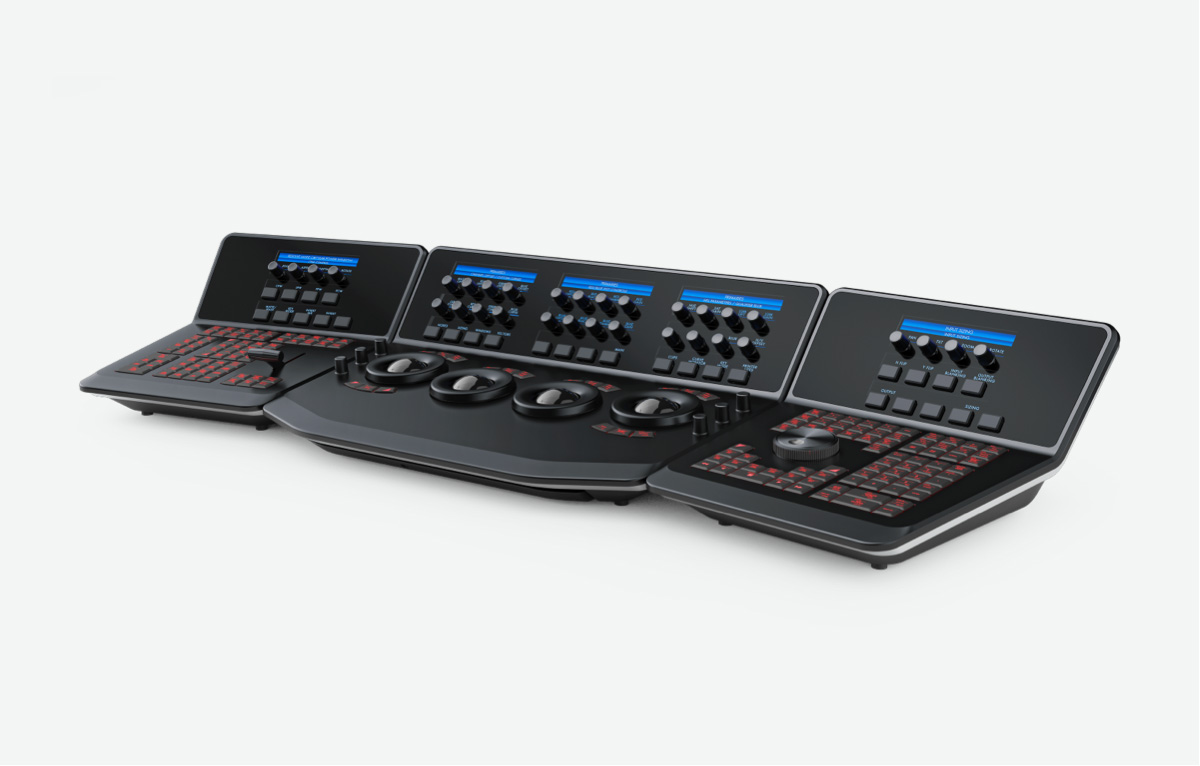
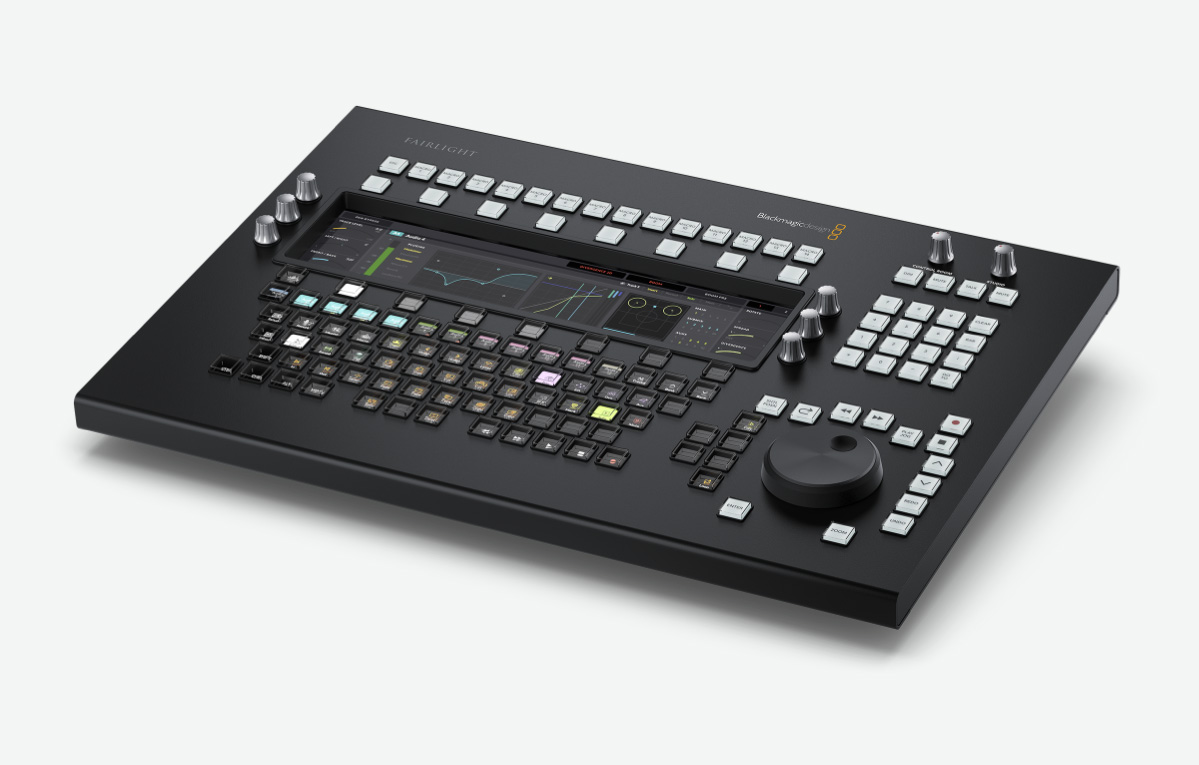
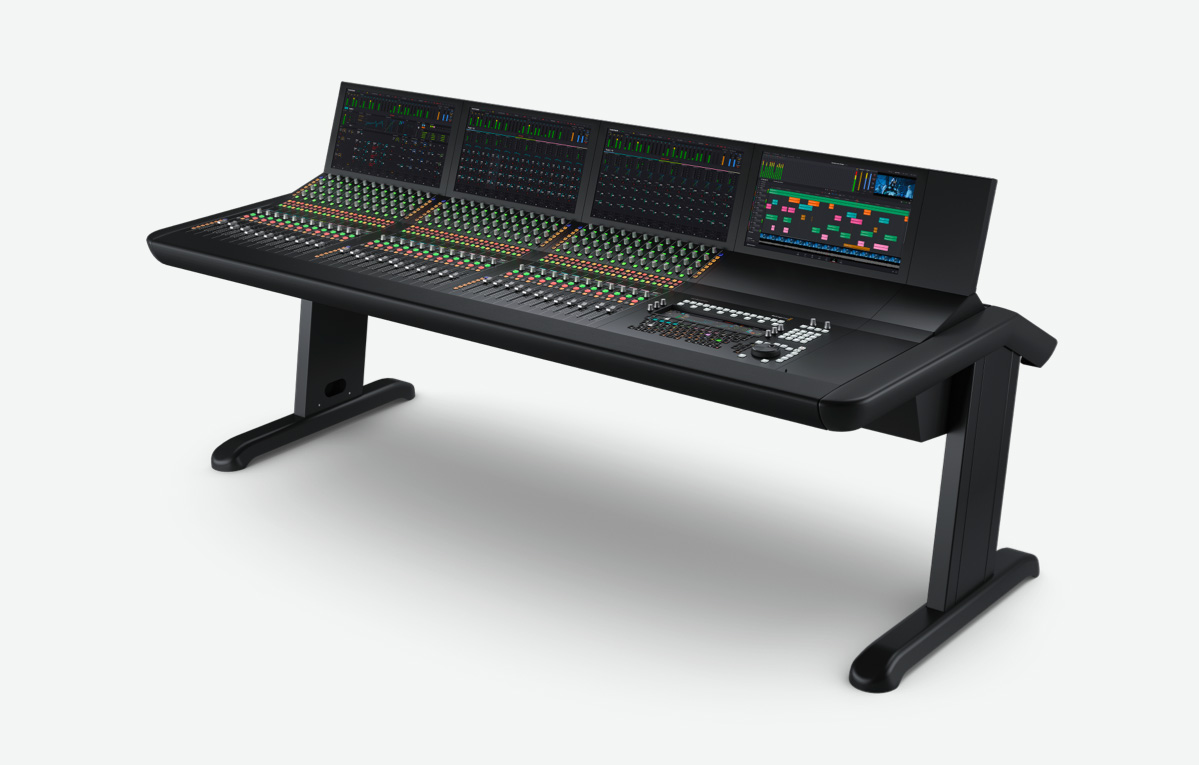
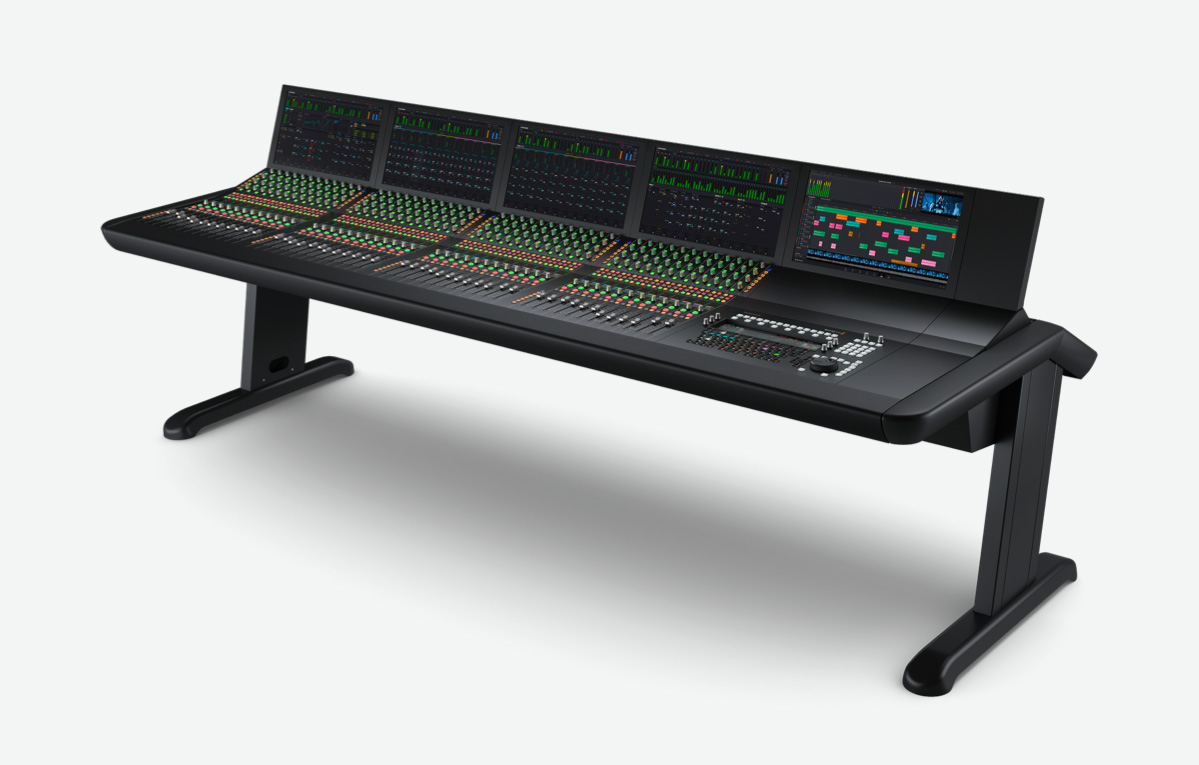
Hollywood colorists have always relied on hardware panels to work faster and more creatively and now photographers can too! The DaVinci Resolve Micro Color Panel is the perfect companion for photo grading as it is compact enough to sit next to a laptop and portable enough to take on location for shoots. It features three high quality trackballs for lift, gamma and gain adjustments, 12 primary correction knobs for contrast, saturation, hue, temperature and more. It even has a built in rechargeable battery! DaVinci Resolve color panels let you adjust multiple parameters at once, so you can create looks that are simply impossible with a mouse and keyboard.